Leaderboard
-
MJFOBOE
Members3Points664Posts -

Guardian25
Members1Points159Posts -
Quinn
Members1Points982Posts -
Snake_Cake
Members1Points78Posts


.thumb.jpg.c0a72d70ca19ec34c5702ec7e7951f37.jpg)
Popular Content
Showing content with the highest reputation on 08/05/2021 in Posts
-
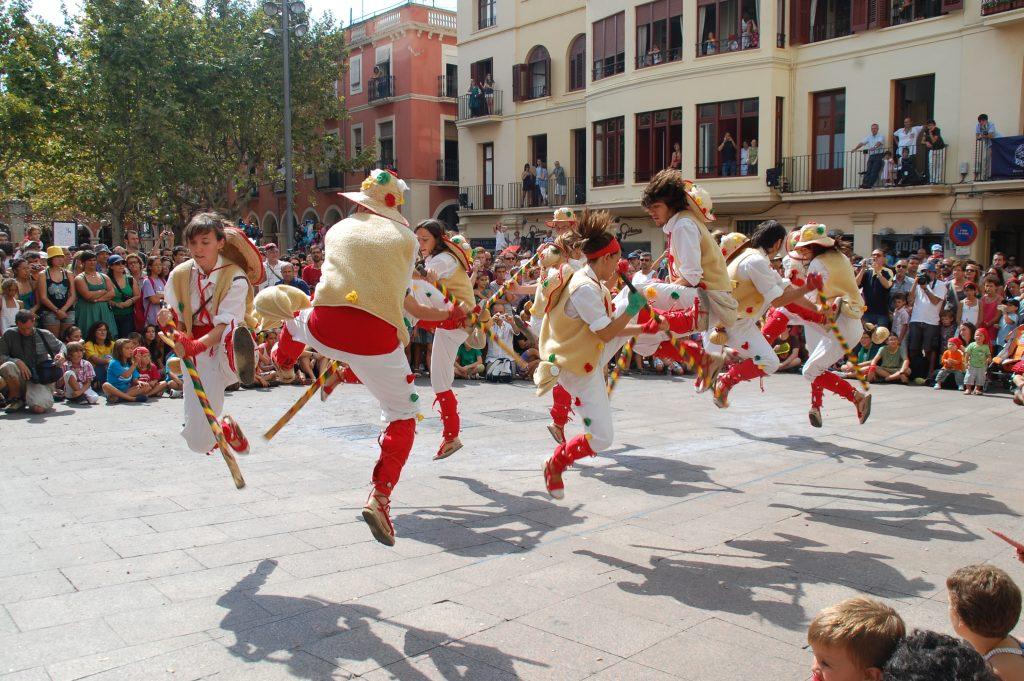
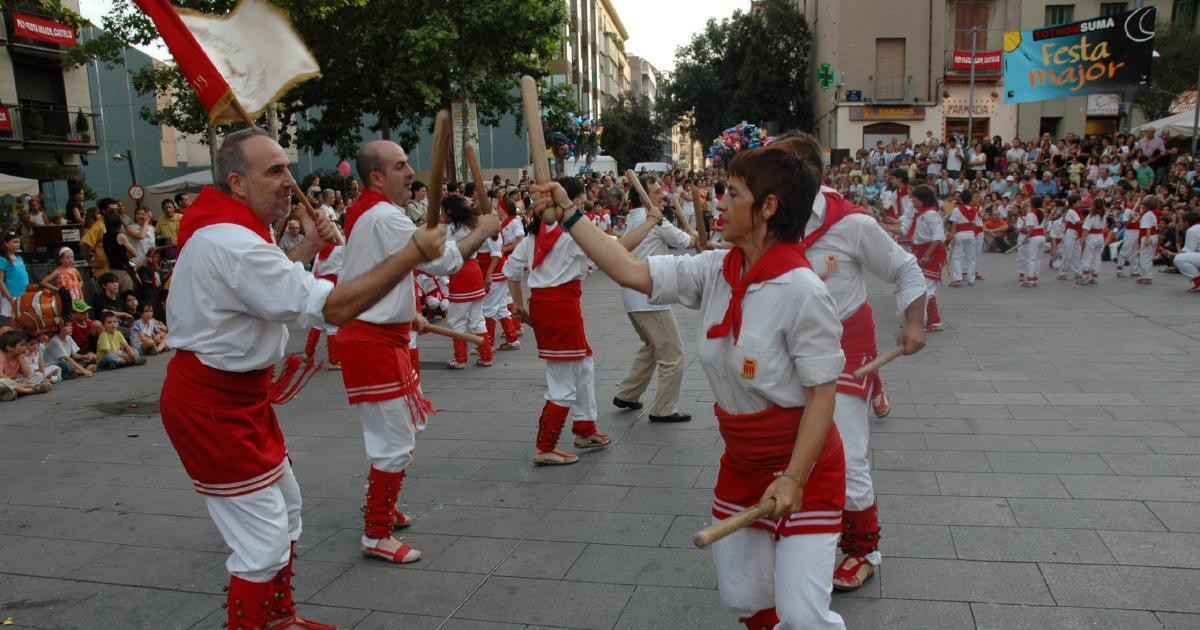
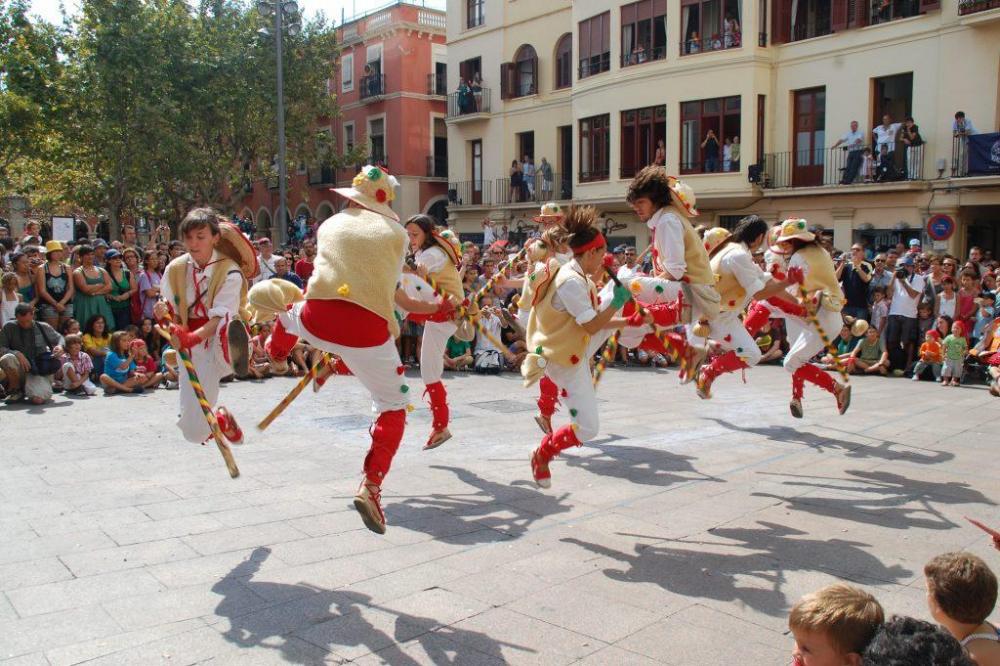
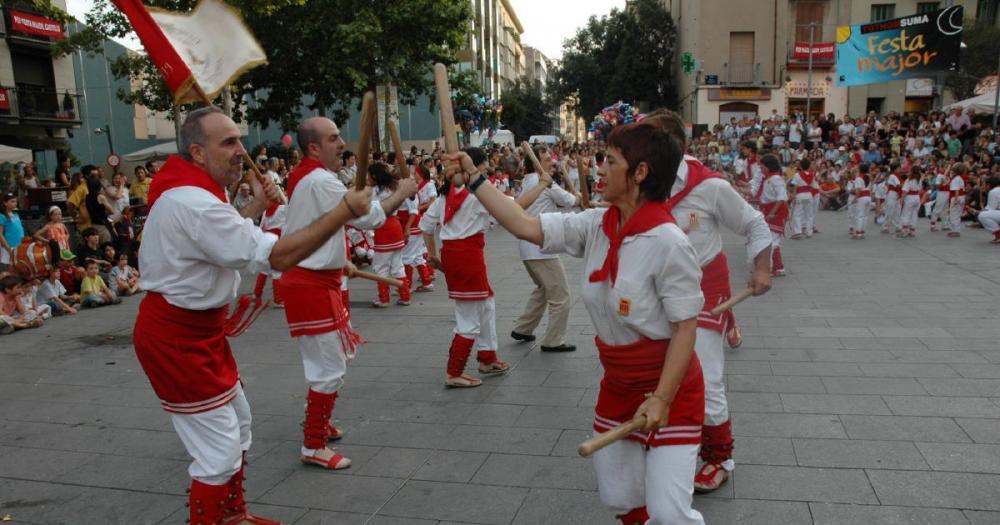
I've been having the impression I was playing a bit too safe with my harmonies lately, so I've done what I used to do at the beginning: do a restricted writing exercise and re-harmonize or rethink simple folk melodies. You may recognize the third piece, its lyrics have been translated to English and Spanish, at least. There's also some trivial quote hidden in there. I include both the full orchestral score, and the initial piano sketch. Edit: At the present moment, this is just a study for a future, longer piece. I'm thinking of something like Grieg's Norwegian Dances, where folk tunes are fleshed out into large forms with "classical" development. As a curiosity, I also include pics of the first 2 folk dances. Both involve steel-reinforced wooden sticks, and are fast-paced and violent. Someone breaking a bone isn't that rare (the xylophone in the first basically parodies the bones breaking). I danced myself to the 2nd melody.
 1 point
 -
A nice set of variations in the "Classical" style ... very Beethoven in feel.1 point
-
Good, very good. Live recordings are better than other variations. Have you ever tried musescore.com? A friend of mine told my about this stuff he also uploads his scores on this web site examples- https://musescore.com/user/7339591. Very usefull in case the originals are suddenly lost.1 point
-
1 point