
ArielAr
Members
-
Joined
-
Last visited
-
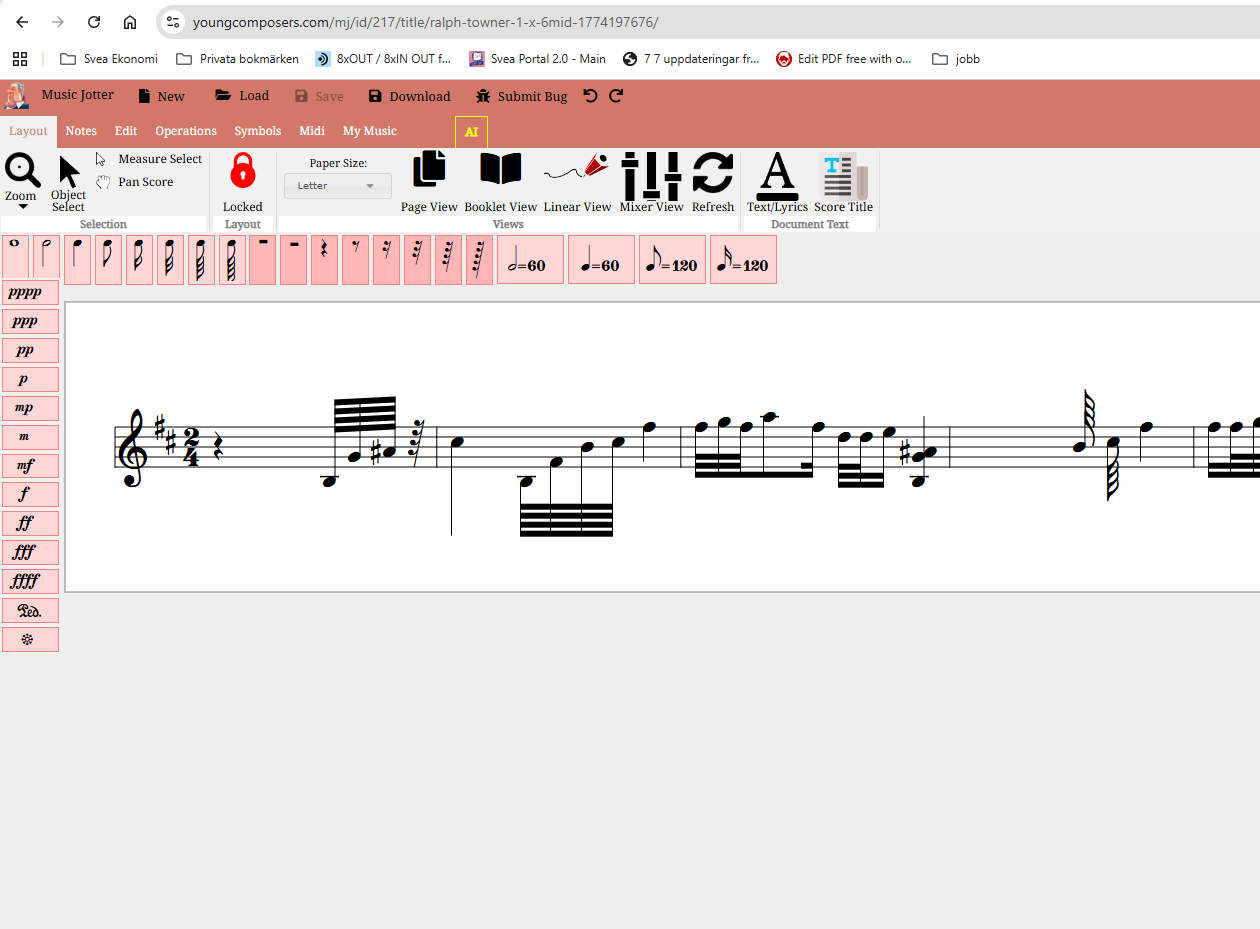
This might be the correct behaviour, but I need to ask. I see the notes being illuminated in green when it is their time to sound (beautiful!), but as soon as the score in the screen has been played, the music continues but the score is not scrolling. Neither in linear view or in page view. is this the expected behavior ? Ariel//
-
Let me start by saying that I love the graphic design. I find MusicJotter's graphics very appealing. I loaded a midi, saw the score in front of me, and my first reaction was.....trying to find the "play" button. I hope I am not the only one feeling a bit frustrated because I cannot see clearly where to clic in order to get the score played.
-
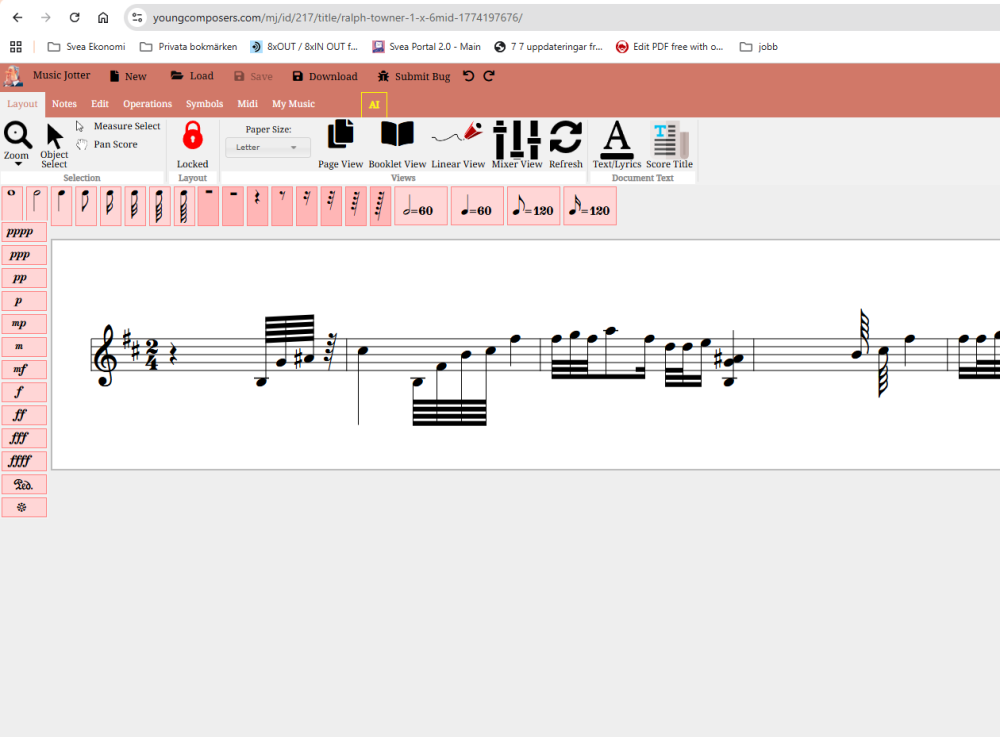
Attached you will find a little midi file...it is a short piece for guitar. When I import it into music jotter I get only an empty measure. is that ther expected behavior for v1.0 of music jotter ? Ralph Towner_1 X 6.MID