Four For Music
Members
-
Joined
-
Last visited
-
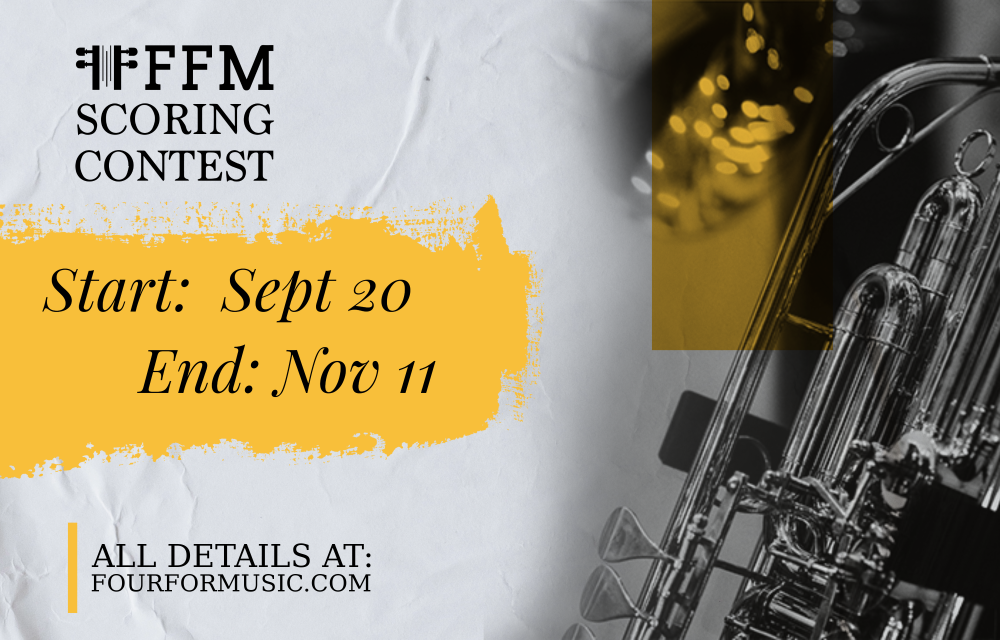
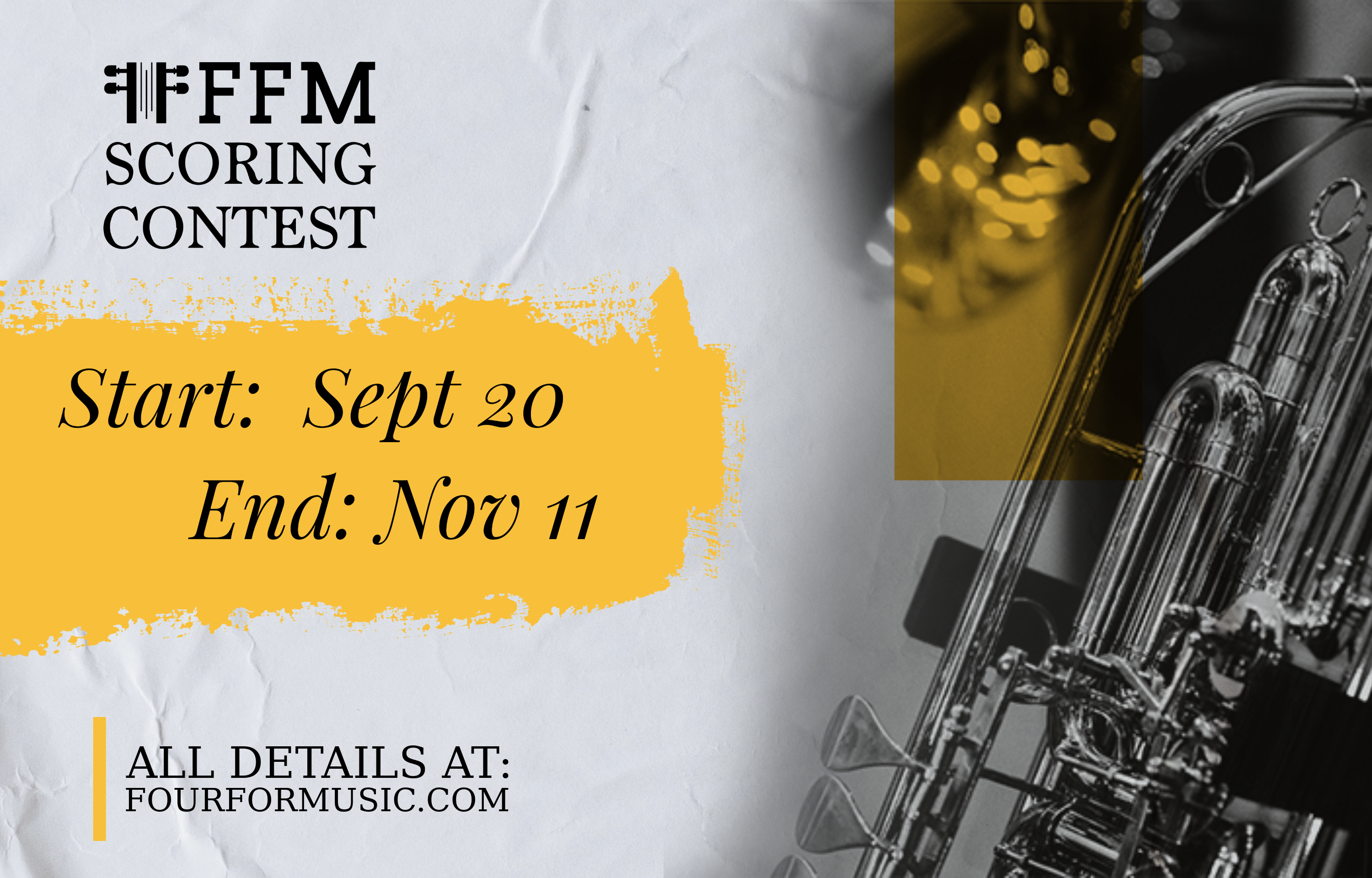
Due to the large number of applications received, we are extending the application deadline to provide an opportunity for everyone who wishes to apply. Accordingly, the announcement of the results will be at the end of the year on our social media and official website.
-
You still have time! Sign up now!
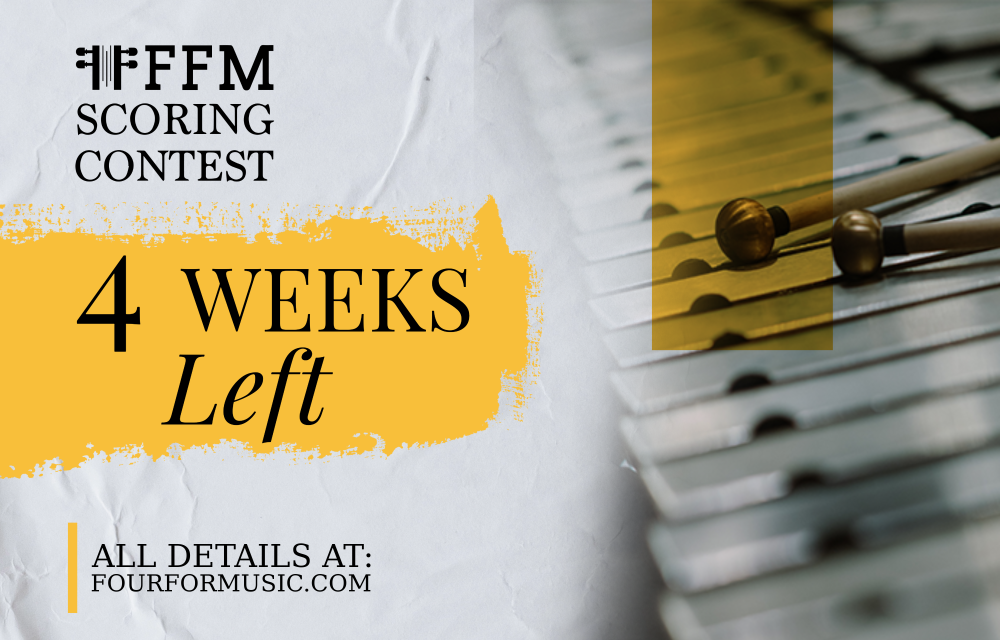 Four For Music stared the third edition of The FFM Scoring Contest. The competitions is open to all composers. You have to write music for a scene from the film The Tesla Case. The big prize is YOUR MUSIC - recorded by professionals, feedback from the jury and more prizes by Strezov Sampling. You can sign up Here