InstrumentalistElle
Members
-
Joined
-
Last visited
-
Currently
Viewing Topic: Landscapes Competition Submission -- Amidst the Clouds & Flowers
-
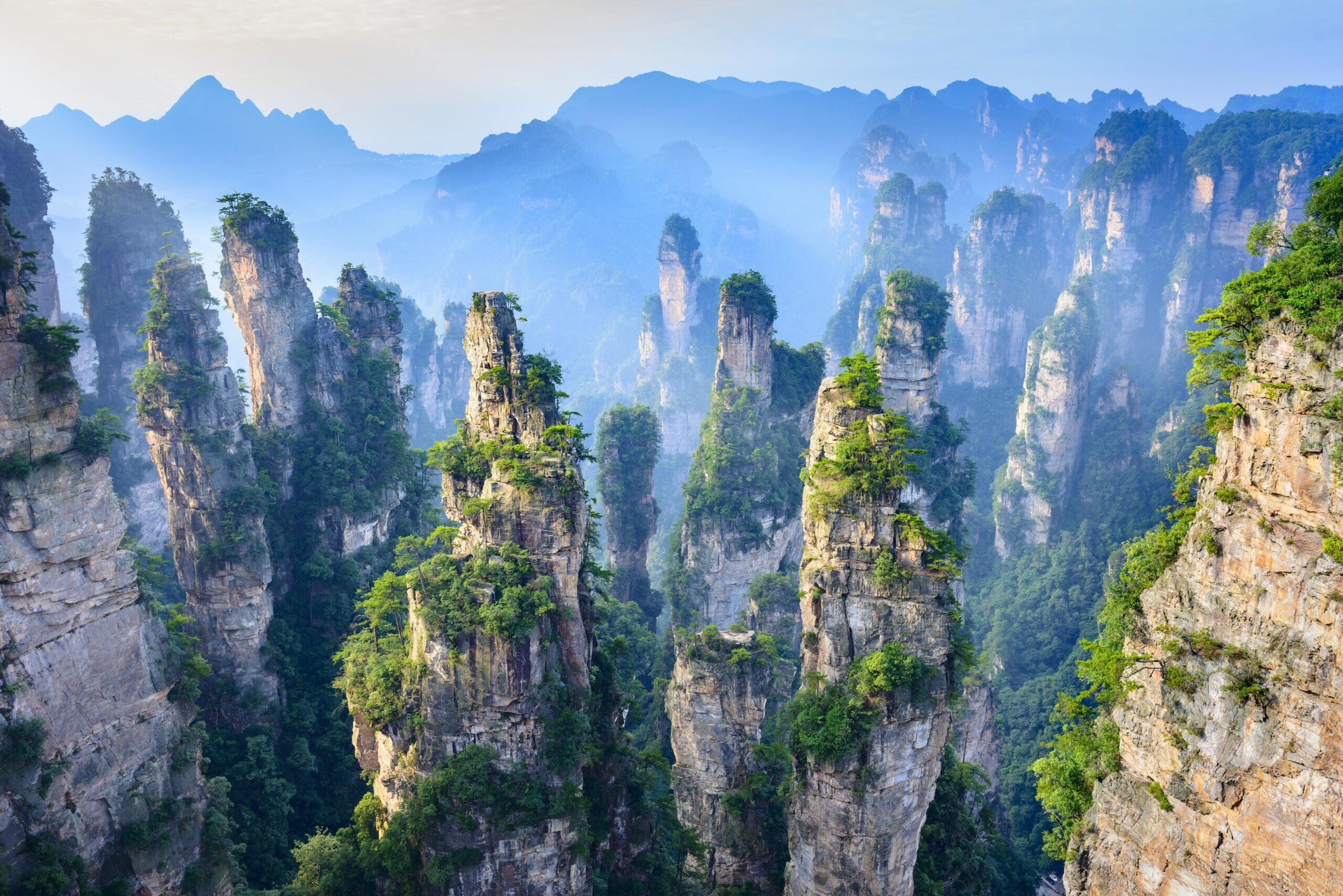
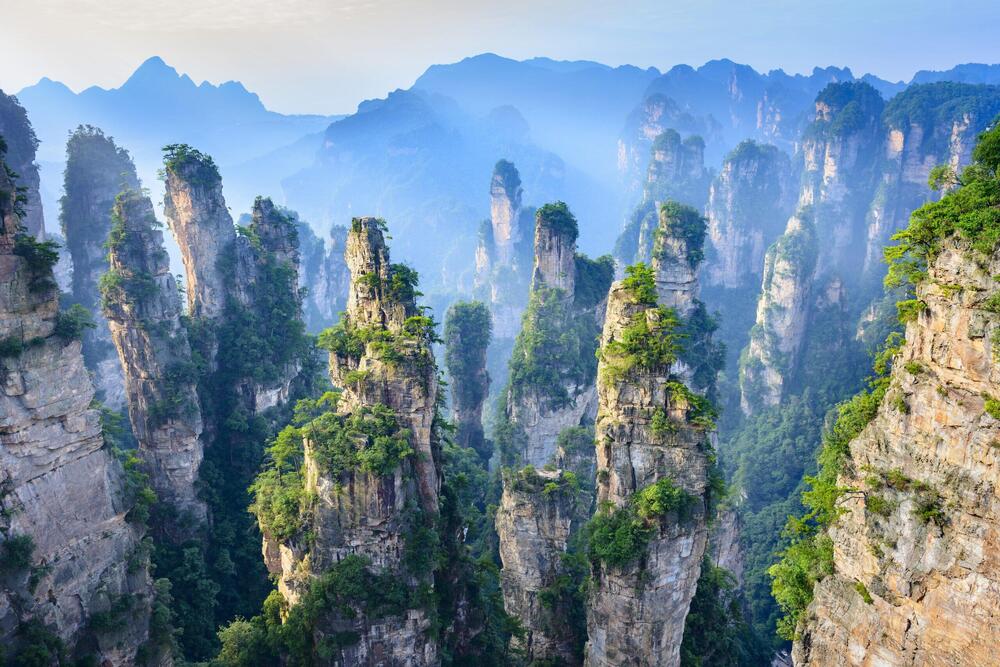
Hiihiiii!!! This is my submission for the Spring 2026 Landscapes Competition :) For my landscape, I've chosen the mountains of Zhangjiajie, China. The first time that I saw these mountains, I was awestruck by just the sheer scale of them. Massive peaks and towers, overgrown with centuries-old moss, reaching beyond the clouds. Really just gorgeous. I wanted to try to write about them. The piece starts off zoomed outwards, depicting the sparseness of the clouds, until eventually, a melody begins to creep towards the first real theme--which I call the garden theme. The focus is on the garden now, zoomed in, it's a sort of natural oasis along the side of one of the tall mountainous pillar. It's beautiful, lush, full, until the garden begins to die as winter comes. The harmony because sparse and vague again, with large spontaneous gusts of wind... just very dry sounding overall. That is, until months later, the clouds darken, promising a heavy storm. Anticipation builds, until eventually, rain comes pouring down, so densely that it's almost like a wall. It's the first rain of spring!!! After the rain settles down, the garden comes to life again with the re-entry of the garden theme!! The piece ends as the focus zooms back out onto the clouds, and the tension finally resolves again. My goal with the piece was to try to represent the life cycle of the plant life out in the setting of Zhangjiajie. I hope you all like it !!!! AmidstTheCloudsAndFlowers.mp3 AmidstTheCloudsAndFlowers.pdf
 InstrumentalistElle changed their profile photo