soundstreams
Members
-
Joined
-
Last visited
-
soundstreams changed their profile photo
-
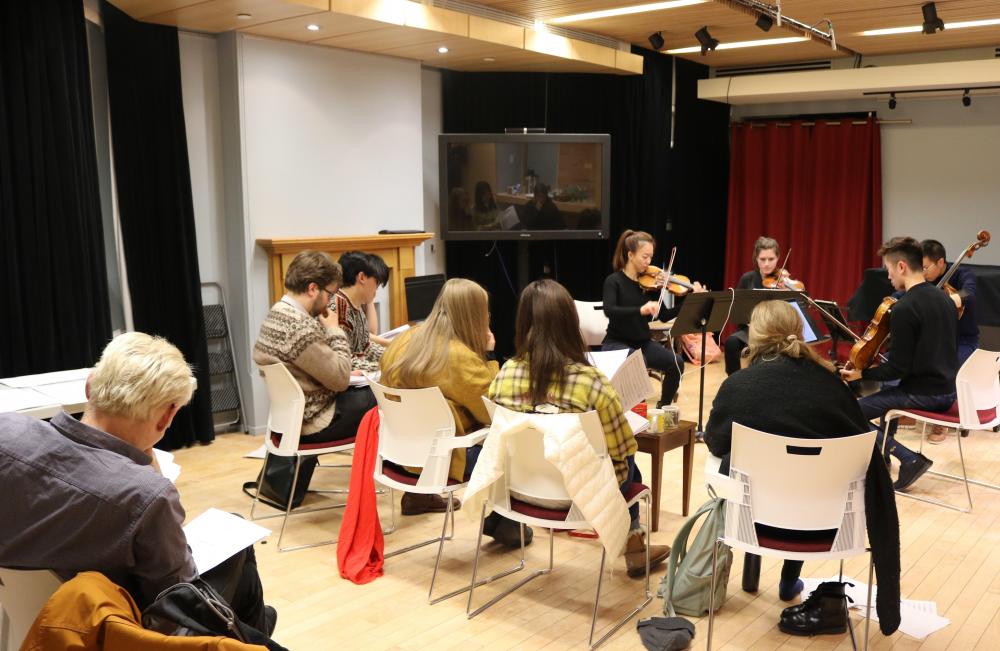
RBC Bridges, Soundstreams' Workshop for Early career Composers 10-day tuition-free program in in Toronto, Canada Accommodations provided free of charge for accepted participants who are based outside of Toronto 2 Days Left to Apply! >>> APPLY NOW Workshop dates May 1–10, 2020 (Toronto, Canada) Application deadline December 20, 2019 (11:59pm EST) RBC Bridges is a 10-day tuition-free program in in Toronto, Canada, that brings together celebrated composer mentors, a professional resident ensemble, and six emerging composers, to develop and premiere new work in a professional context and participate in professional development and networking opportunities Composer-in-residence: Sarah Kirkland Snider Resident ensemble: 8 Voices (SATB) The Program This year’s workshop will be inspired by the music of the late Quebecois composer Claude Vivier. Selected participants’ final works will be showcased alongside works by Sarah Kirkland Snider, and in connection with Soundstreams’ Main Stage production of Musik für das Ende. For more details about the program and eligibility criteria visit https://soundstreams.ca/education/emerging-composer-workshop/ >>> APPLY NOW For any questions, please contact Felix Mills at felixm@soundstreams.ca