All Activity
- Past hour
-
Trejey joined the community
- Today
-
-
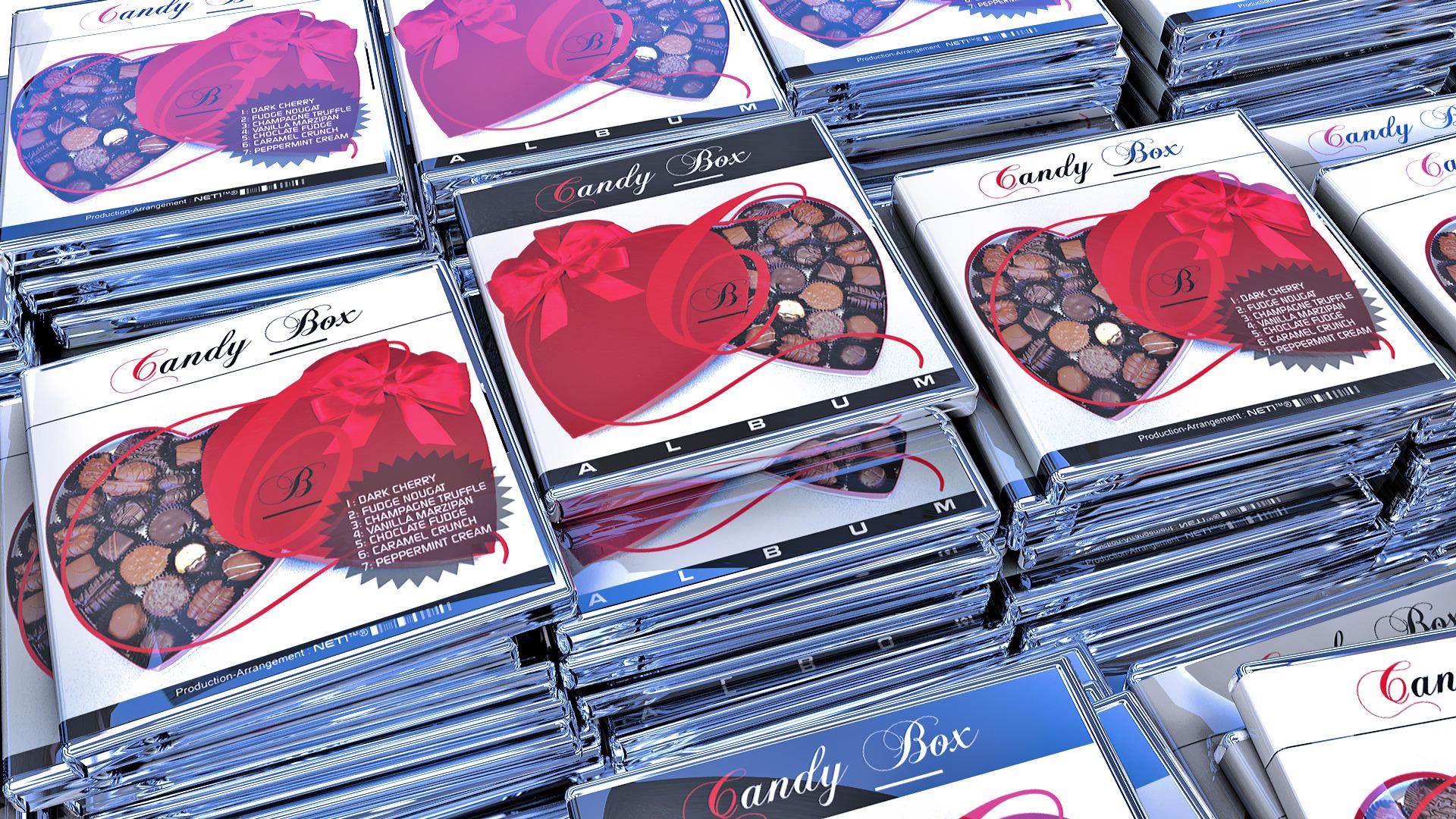
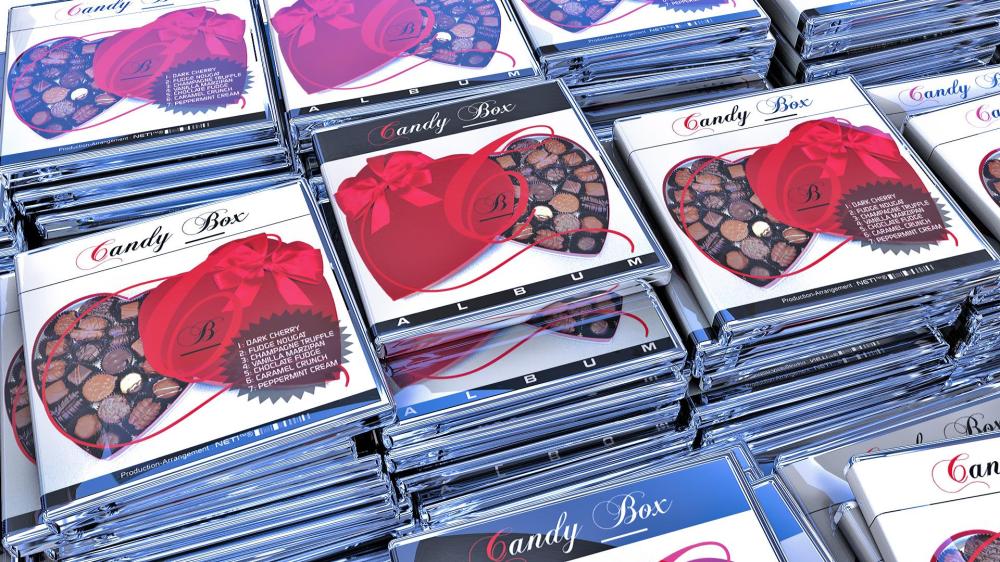
The Candy Box Album Part Of an Original 8-Trax Album-Series, created in 2000. A1.DARK CHERRY 1.mp3A2.FUDGE NOUGAT 2.mp3A3.CHAMPAGNE TRUFFLE 3.mp3A4.CARAMEL CRUNCH 4.mp3
-
@MK_Piano I am a pianist, I've played the intro for this piece, but I haven't gotten around to play the full thing, as I've only been playing for around a year, so it was a bit much for me.
-
Thanks for sharing! I have played this work for solo piano and it is one of my favorites to both perform and listen to. I do have some comments about a few things, both from the eyes of a pianist and a composer. However, it’ll be sometime before I can sit down and type it all out in detail. May I ask if you are also a pianist, or if you have played this work in some capacity?
-
Excellent Rendition............Just like the Real Thing.
-
interlect changed their profile photo
-
liebestraume-no-3 un orchestra.pdfUploading Attachment... I know it's been done before, but I really wanted to try making an orchestral cover for this btw I'm aware that player and tempo markings are a lil weird here, mainly the lack of div. unsi. and player marks for the winds and brass at times, I just didn't bother writing that, as this isn't going to be preformed. feedback would be appreciated :P (unless you're gonna tell me the climax comes too soon, I KNOW) liebestraume-no-3 audio.mp3
-
I have a melodic sketch of the A section of the second movement, a sort of nocturne in 6/8, with more Mahler influences than Chopin! I'll post it when I get a bit more filled in. Here ya go; the A section. Long enough already! Piano Sonata in A Minor-2 Free Sheet Music by Robert C. Fox for Piano/Keyboard | Noteflight
-
Thank you, Fruit Hunter, yes, I know most of my pieces are rather sparse compared to some of the epic stuff I hear many people making. But I have difficulty dealing with many instruments at the same time, so I tend to use a transparent sound, and then maybe try to use the colours of the various combinations instead. And i like to use harps and celeste to punctuate rhythms and transitions.
-
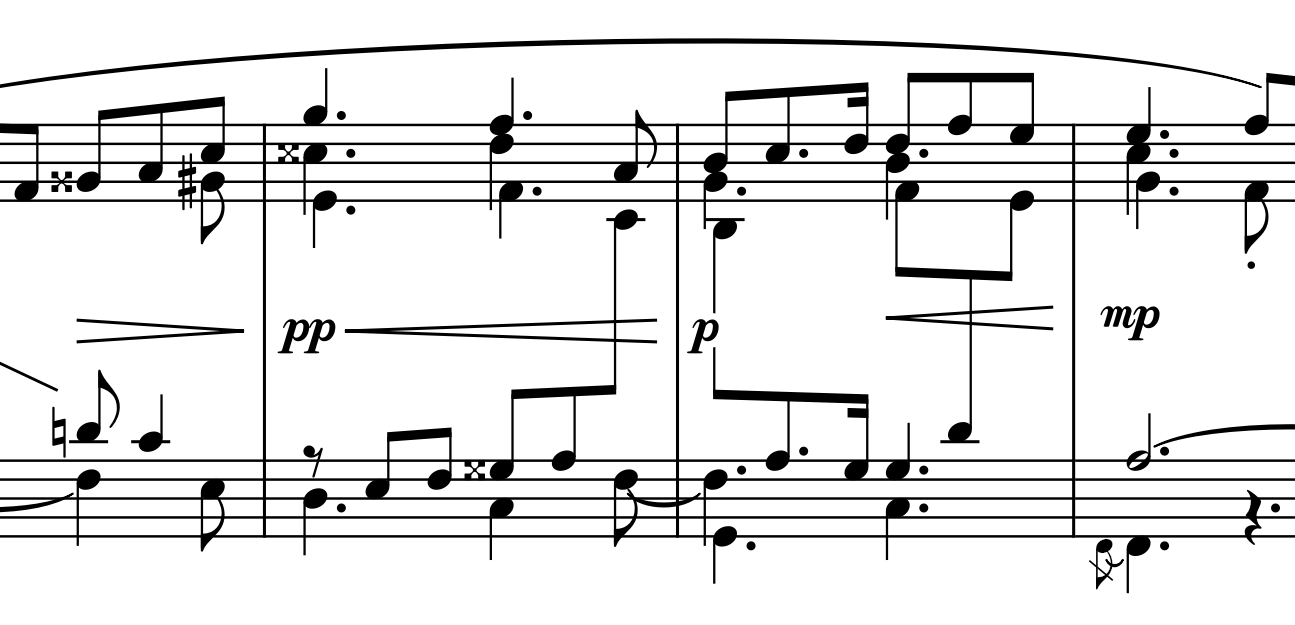
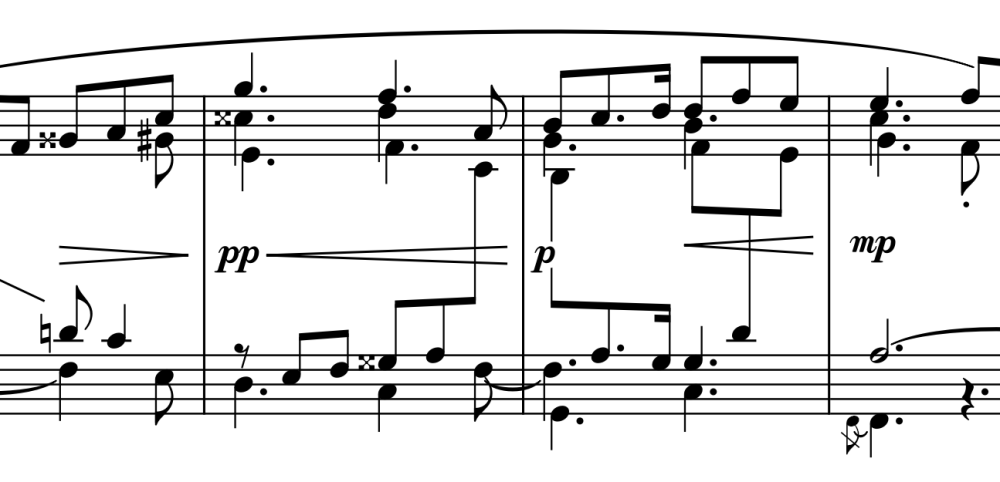
Wow, thanks Wieland, I wasn't very sure of what you had been talking about, but those are some very helpful notes you've put in there and it does help clarify what you mean (and also very meticulously well-presented)! Cross-staff beaming, yes, that's probably easier to read than main gauche and main droit text. Hmm. I usually do this sort of beaming with other works of mine so I wonder how I seem to have forgot with this piece. MuseScore 4 is being fussy with me for this and I might need to brute force adjustments to make sure I don't get overlapping stems, noteheads, beams, dynamics, and/or hairpins. I don't have Elaine Gould's Behind Bars but do you know what the convention is for whether to put the beam above or below the midpoint? Here I've gone for the side that has the majority of the notes but I don't know if that is standard: Thanks again for your help, and I do have to say this already looks possibly a bit neater than having m. g. and m. d. smeared across the page. I'm always trying to give my scores a clean and readable look so any feedback is always welcome.
- Yesterday
-
I listened to anticipation and it sounds nice. Very floaty and sparse but still feeling full. Keep up the good work.
-
Yes, but not yet as I intended. To clarify my ideas, I have attached a version of your latest score with some annotations. I see that you have marked the notes where the other hand takes over. But the markings (m.g. and m.d.) aren’t very helpful for sight-readers, since the note is still written in the “wrong” staff. Sight-reading is about reading chords and intervals—not individual notes. Whenever a note of a chord or interval is written in the “wrong” staff, the recognition pattern that a sight-reader normally uses to identify a chord or interval is inherently lost, forcing the player to identify a single note and add it to the chord/interval being played, which slows down the process. Consequently, such situations require practice and/or memorization, which contradicts the approach of sight-reading and playing the piece “without practice.” Therefore, I very appreciate scores where the chords/intervals are notated as a complete pattern in that staff where it is to be played by the respective hand. I must admit, that such a score looks sometimes a bit „cluttered“ because of the „kneed beams“ and sometimes cross-staff note stems (producing sometimes problems for the collision resolving with dynamics, slurs etc), but if the player finally makes the respective annotations by hand in its score, the readability is reduced, too. Please do not take my comments as personal criticism of your score; rather, they are intended as general advice or as basis for discussion, since I often come across scores here in the forum—even from very experienced composers—that, while well-suited for analyzing voice leading, leave me with the uncomfortable feeling: “Has the composer ever played this piece himself, and did he pay sufficient attention to its playability?” AnnotatedScore.pdf
-
It should work in booklet / page view but I will check. Linear view I haven't coded the scroll yet, whoops. I'll get on that.
-
This might be the correct behaviour, but I need to ask. I see the notes being illuminated in green when it is their time to sound (beautiful!), but as soon as the score in the screen has been played, the music continues but the score is not scrolling. Neither in linear view or in page view. is this the expected behavior ? Ariel//
-
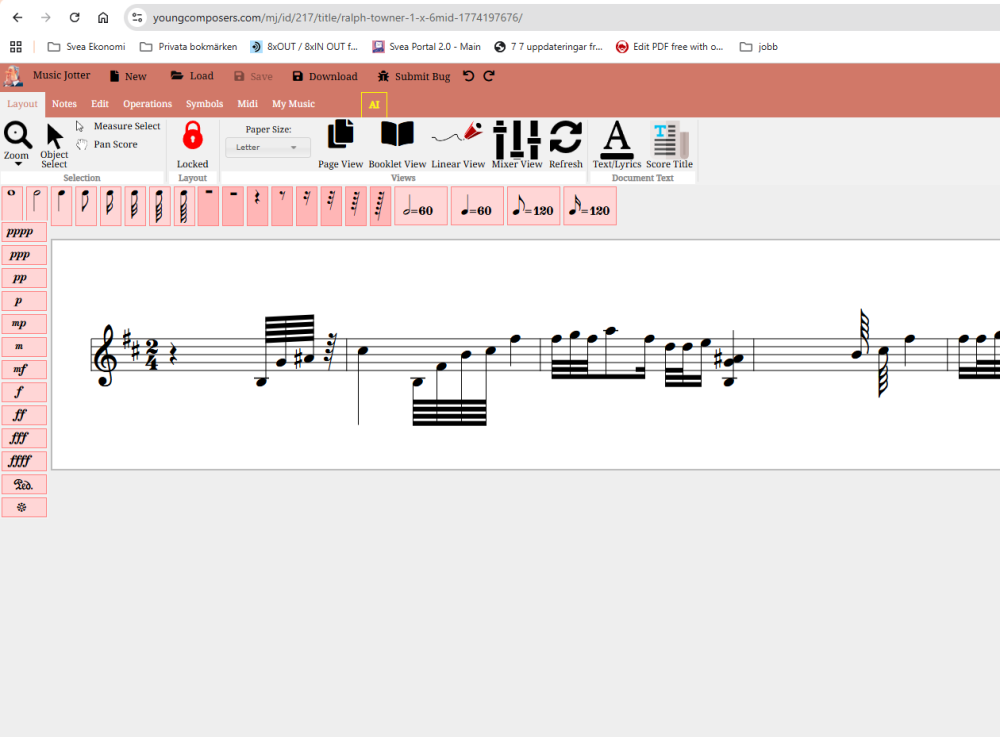
Click on Mixer View, you will see the play button. However, the best user experience is to hover over the notes with your mouse and press spacebar. Also, I would zoom out a bit, click Booklet View, to get out of the default linear view (if you wish). Let me know if you have issues with playback. I expect a lot of questions on how to initially use the program because there is no built in help yet.
-
Let me start by saying that I love the graphic design. I find MusicJotter's graphics very appealing. I loaded a midi, saw the score in front of me, and my first reaction was.....trying to find the "play" button. I hope I am not the only one feeling a bit frustrated because I cannot see clearly where to clic in order to get the score played.
-
Ok this has been addressed. I didn't have support for Midi type 0, but the import now works. If you still have issues with the graphics and output, I can work on the quantization. The issue is that if you composed arpeggios from another program, Music Jotter can't interpret that. But if the rhythms are not correct, send me the pdf or visual output of the score, and I'll take a look.
-
If this is your midi file from another program though, I will see what I can do to fix this. Give me a bit to diagnose the problem, shouldn't take too long.
-
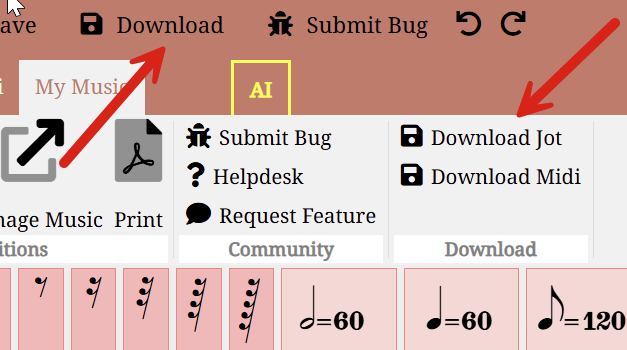
This part may be a bit confusing for first time users. I have 2 ways to export midi. As a jot file, and as a midi file. The jot file is actually the file you want to save and load back into Music Jotter. The midi file is the performance file, which is intended to be used in DAWS or other software. I strip it of all the formatting meta data so keep the files lightweight. Download the .jot file, load it back into Music Jotter, and see if that fixes your issue.
-
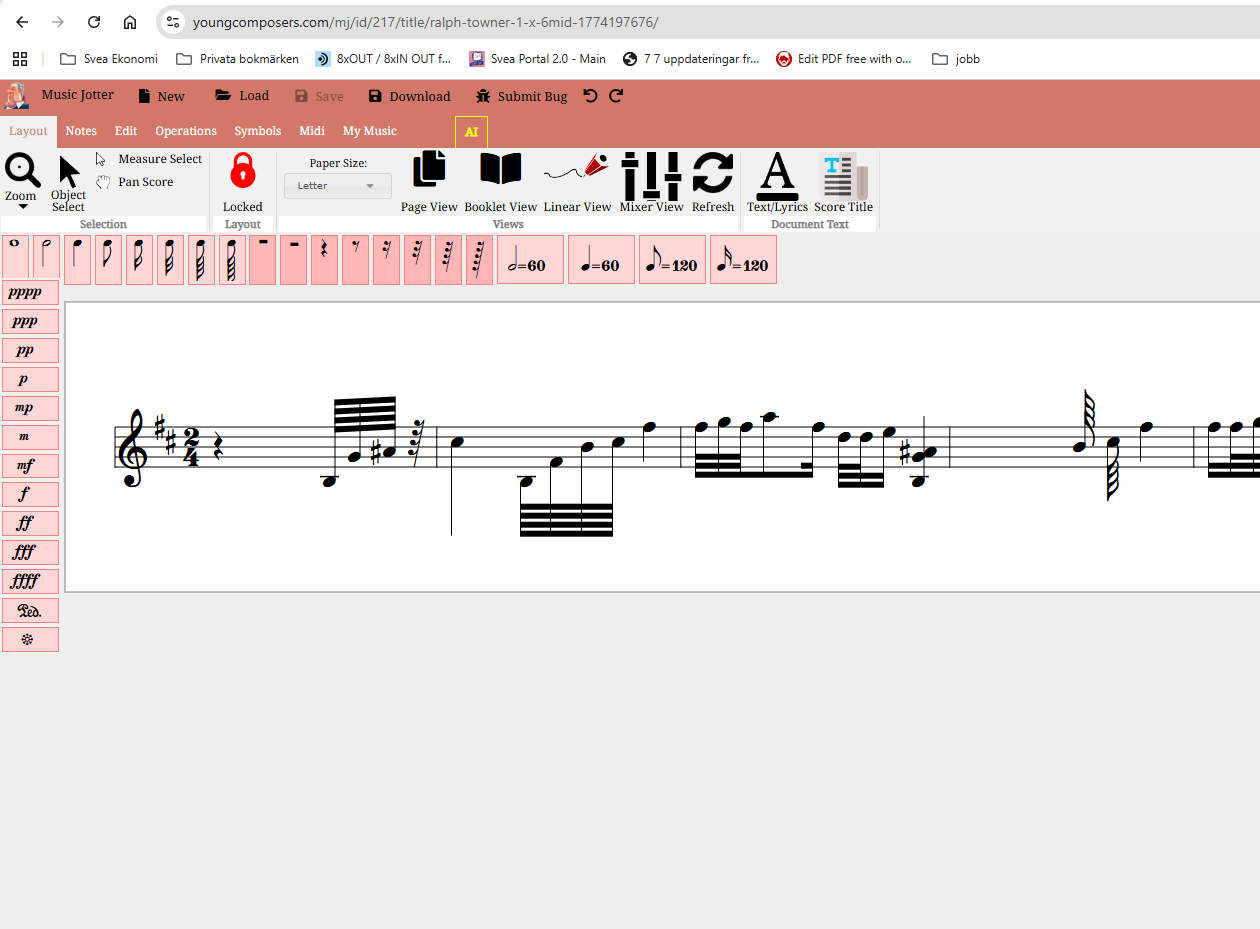
Attached you will find a little midi file...it is a short piece for guitar. When I import it into music jotter I get only an empty measure. is that ther expected behavior for v1.0 of music jotter ? Ralph Towner_1 X 6.MID
-
It saves on every keystroke while you compose, it's like Google Docs; you can just download your midi file. But if basic composition isn't working for you, it could be a browser bug, so if this is the case, I would need more information about your browser. I've tested Music Jotter with Firefox and Chrome, and it should also work with Safari. Here's another trick...as long as your composition plays back, you know it has been saved, because saving your midi file happens before the playback compiles (behind the scenes).
-
@chopin haha
-
I do not know how to enter notes on Music Jotter. I am trying to 'save' and Idea.
-
It is self explanatory.
-
Thanks everyone for your comments, I sincerely appreciate every one of them! As is ever the concern of a composer I'm very happy to know that the right mood/atmosphere came across to other people :) There seems to have been some discussion about the key and key signatures: I was never really a fan of music with all sorts of accidentals and black keys until I came across Scriabin, whose delight for the likes of F♯ major/D♯ minor, B major/G♯ minor, G♭ major/E♭ minor, and D♭ major/B♭ minor seems to have slightly rubbed off on me. Idk though, I felt like F♯ major gave off sweet lyrical romance (e.g. Poème op. 32/1 or Étude op. 42/4) vibes so I went with writing in that for this work. The key signature switch to G♭ major/E♭ minor was actually only a logistical sight-reading one, if I remember correctly. In the middle section there's some vacillation between a major key and its relative minor, which would have been fine for bars 9-12. However, I move a fourth lower in the following four bars, i.e. tonicising the dominant, which means that if I kept the original key signature I'd get C♯ major and its relative minor A♯ minor. Eek. Sharp overload. I am not quite sadistic enough to put that onto the performer, let alone F♭ major (though that has now given me an idea...). I figured that writing out the middle section in flats meant that I could resort to using natural signs rather than extra sharps in bars 13-16, but yo, @Luis Hernández and @Wieland Handke, you may have a point with it also engendering a somewhat darker mood, as I had intended. This is an excellent point, now that I'm poring through the score again. I think there are some spots (e.g. b. 12) where I quite like the arpeggiated quality, but I have also decided to add a few markings for spots where I think it is justifiable to have the other hand take a note or two. Was this what you were thinking of? Version with redistributions.pdf
-
I like these ideas. Or at least some of them as that I could definitely do and feel motivated. I do have others just in case if something I wasn’t prepared got voted on and it’s probably still do things. Frankly, I prefer to do string orchestra works for things like these. But I’m open too many things.