Leaderboard
-
AngelCityOutlaw
Members1Points763Posts -
SergeOfArniVillage
Old Members1Points2,127Posts -
muchen_
Members1Points100Posts -
Samuel_vangogh
Members1Points114Posts



.thumb.jpg.e5f26b712b4f9622f521b10d8a53c6d6.jpg)
Popular Content
Showing content with the highest reputation on 07/06/2023 in Posts
-
This is the updated, final version of my Baroque keyboard suite, in the style of Bach. Overture Allemande Courante Air Scherzo and Trio Sarabande Bourrées Gigue Duration: 35:10 For details on the suite as a whole (including its architecture), and of the individual movements, please refer to commentary.pdf.1 point
-
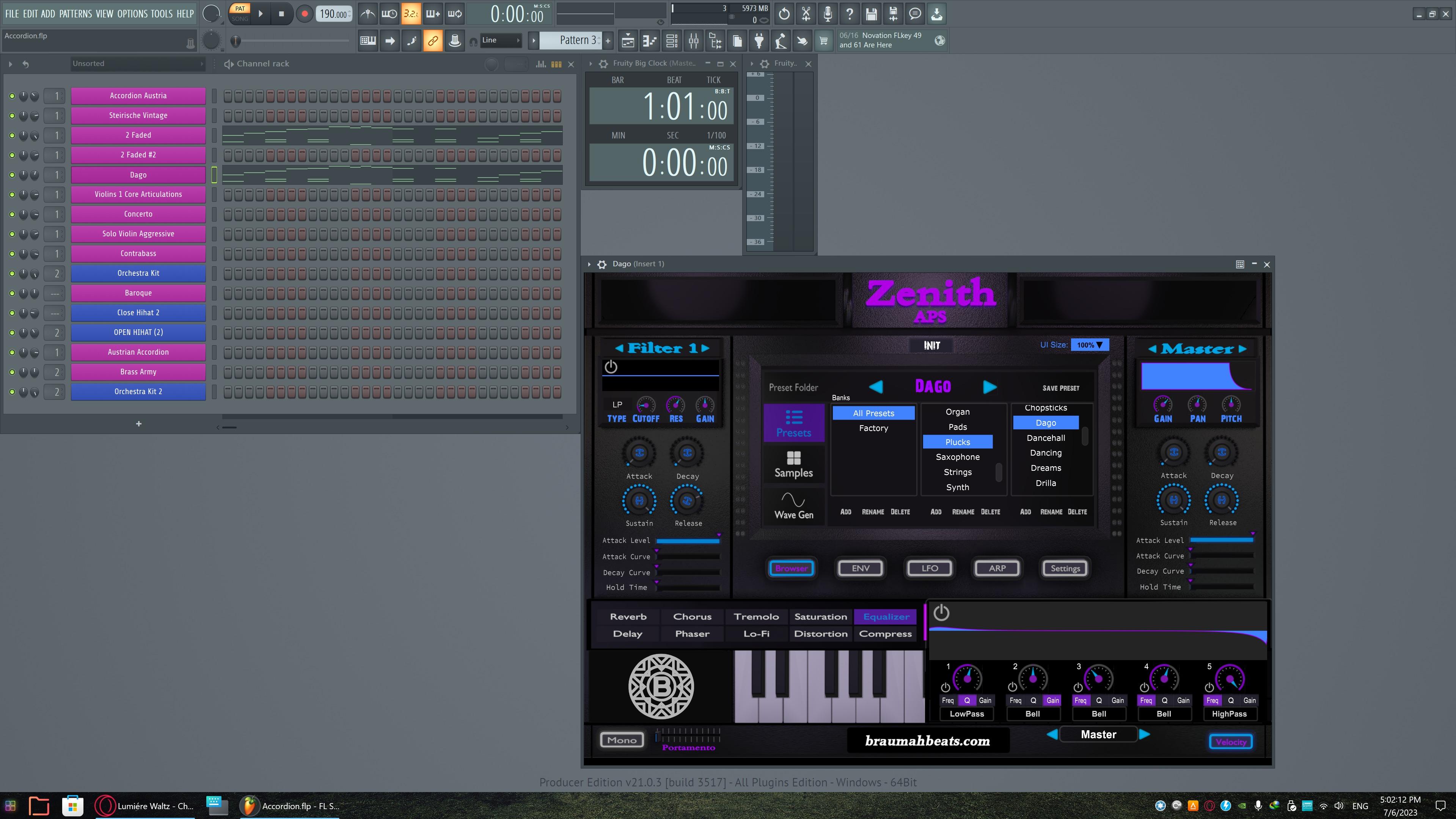
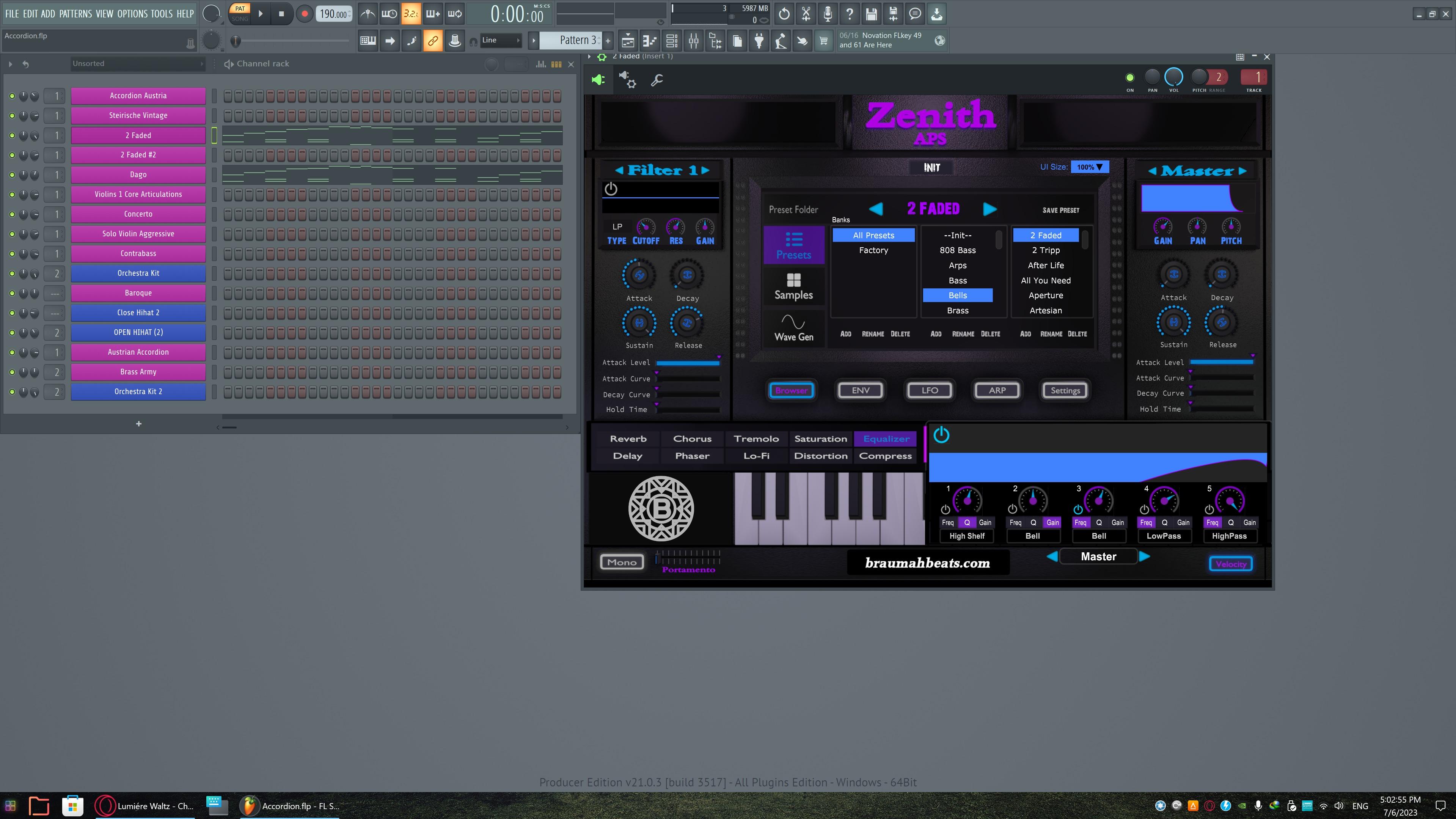
1 pointHi Henry and thank you for your comment! The instrument I use is a combination of two presets of the Zenith APS Vsti.
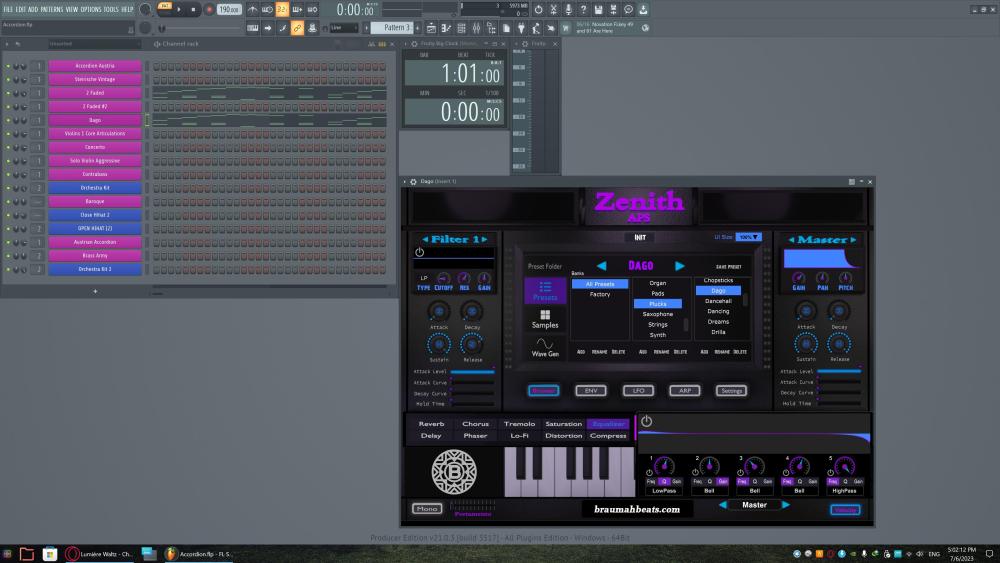
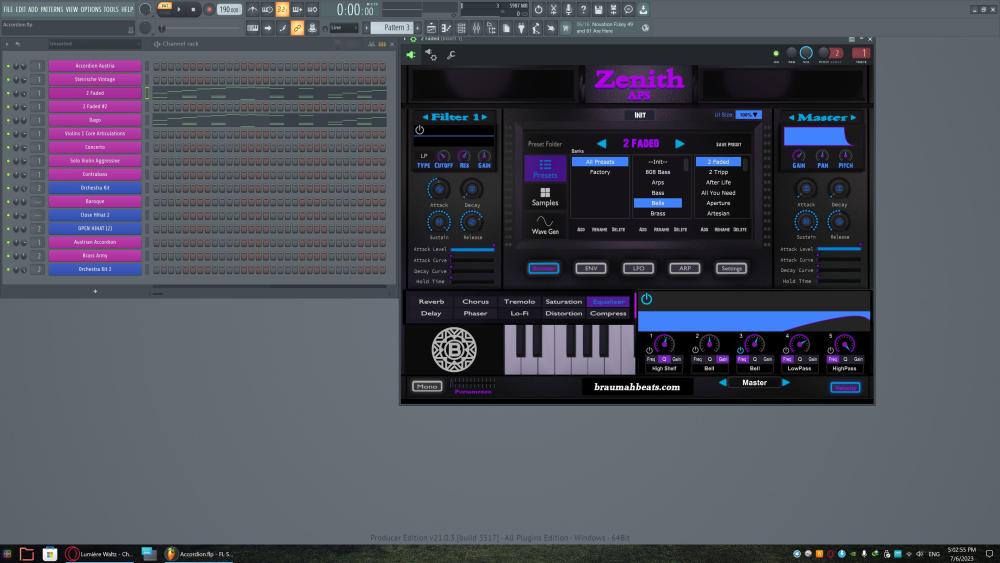 1 point
 -
I have a couple questions: You say that keyboards are allowed: Most workstation keyboards and related synths allow the user to have split instrumentation, so that one range of the keyboard is X instrument and another range is Y. Is this allowed? Also, would a bass guitar be counted as a polyphonic or monophonic instrument for the purpose of this challenge? Like the traditional string section, it technically can play polyphonically, but is almost always used monophonically. Last question in relation to the previous: Is a monophonic synth allowed? Like, I had two synth keyboards, one set to play polyphonically and another that was monophonic for the bass line, is that acceptable or no?1 point
-
1 pointDang, this is awesome. I love it when a piece contains writing that's both musical and virtuosic, and the two complement each other rather than being at odds with each other, and this is a great example of idiomatic writing that's also just great to listen to. Great job!1 point