Leaderboard
-
Luis Hernández
Members1Points3,401Posts -

Henry Ng Tsz Kiu
Moderators1Points3,143Posts -
AM-Valkyrie
Members1Points18Posts -
Ivan1791old
Members1Points291Posts




Popular Content
Showing content with the highest reputation on 11/04/2023 in Posts
-
1 pointFunny that you mention that, when I had my sister as my violin teacher we used to go exactly through those two selection of works. They were a lot of fun to play. Especially Leclair1 point
-
Glad to hear so! Yes, it was cool to experiment with another musical language, but I always try to use my intuition to make it sound musical in some way. Yup, the tremolos are inspired by Scriabin. I agree, the distribution of pitches is done in an anti-melodic way, so kinda pointillistic. You are welcome! I always apreciate your wonderful comments. 😁1 point
-
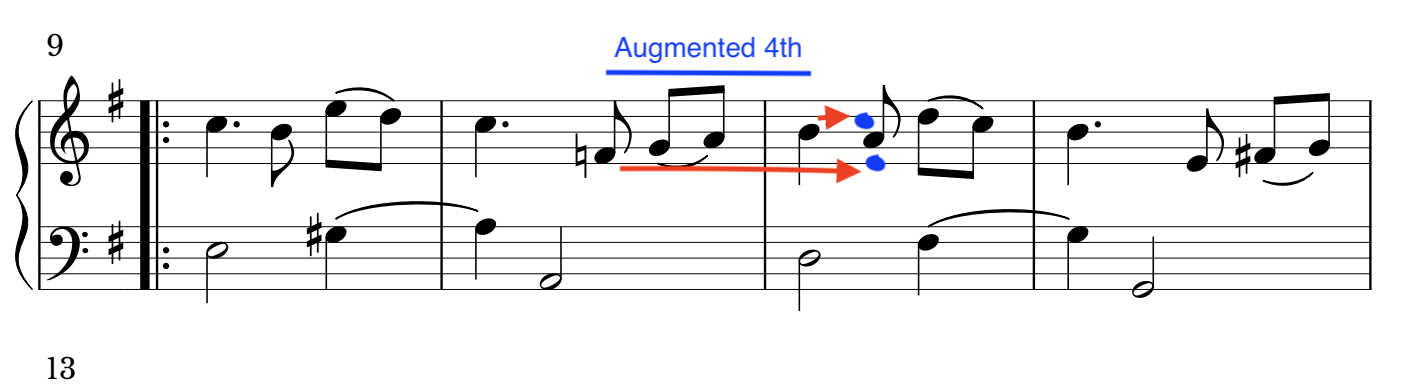
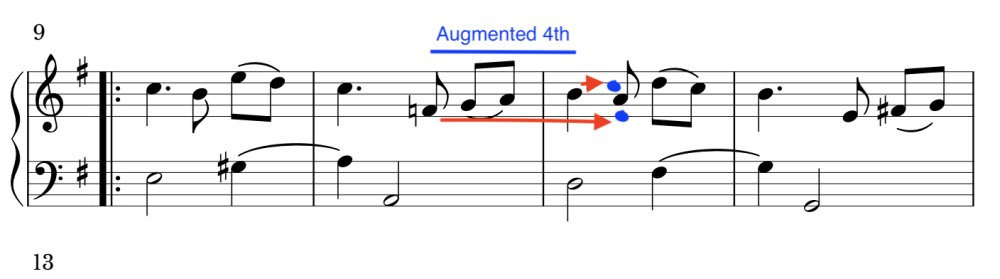
1 point@44W74l4 As I said this is one of the principles of the basic melody design (cantus firmus). If you draw a melodic line and form a tritone (augmented 4th), a split occurs. The upper note B wants to resolve to C (ascending), and the lower note F wants to resolve to E (descending), as happens with any tritone. And this is not what happens. In other contexts with more complex textures, perhaps all this is much more relaxed, although it is still an essential principle. But in this kind of works where the voices are clear, the effect is more noticeable.
 1 point
 -
1 pointHi @pateceramics, I love the archaic sound you provide with all sorts of parallel fifths, which I think match the style here. The beginning of section C is quite like a beginning of Motet which is interesting. Thx for sharing, Henry1 point