Skyliner927
Members
-
Joined
-
Last visited
-
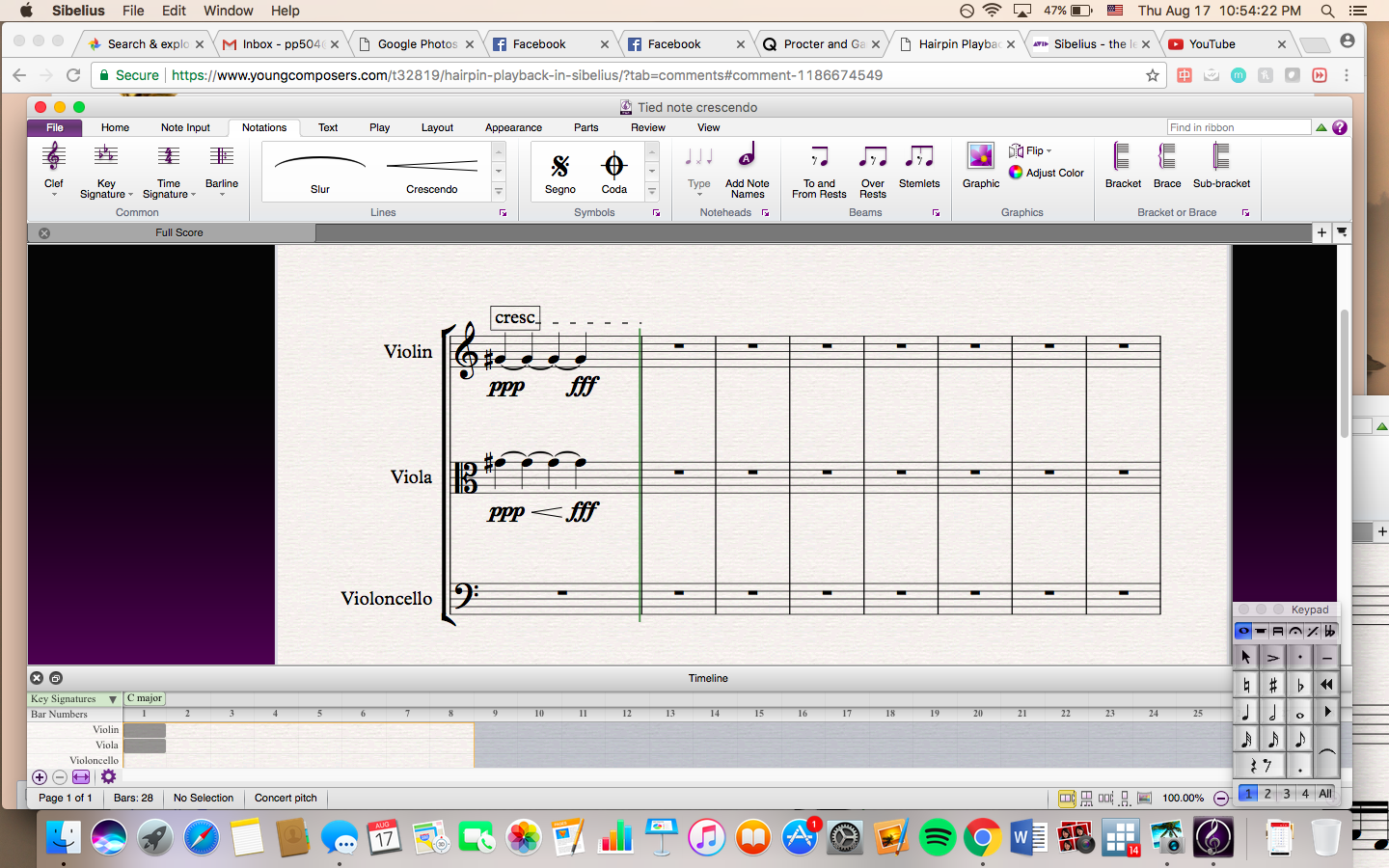
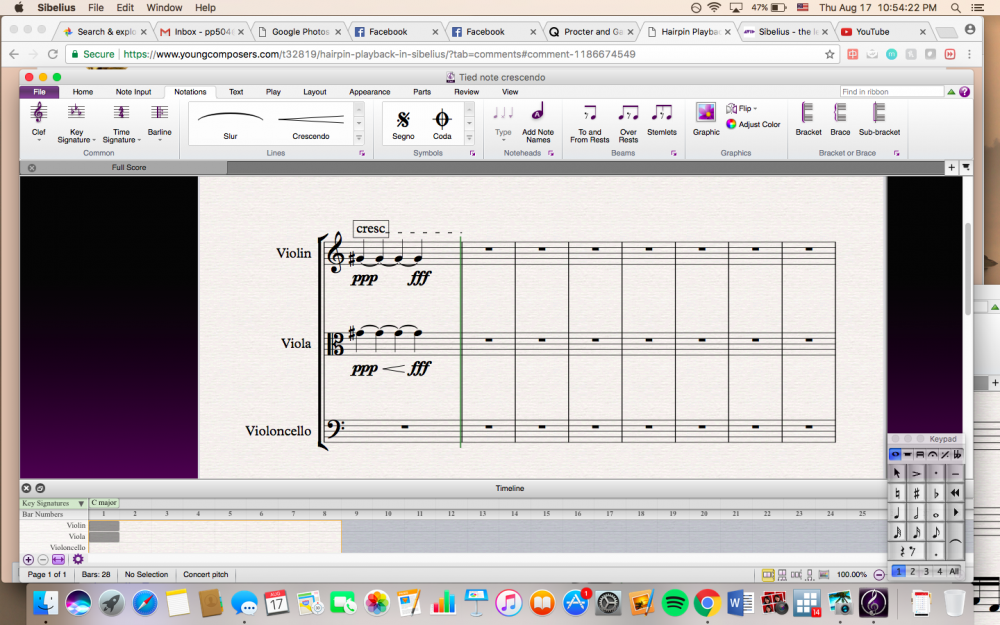
Thank you so much for the response, unfortunately the instructions in that thread didn't work for me. My issue is that I cannot get a crescendo to play back when the note is tied. When the notes are not tied, the crescendo plays back but each note is re-attacked (when I am just trying to get a crescendo throughout one long sustained, tied note) - similar to the problem OP had. I exaggerated the volume of ppp and fff to make sure I'm hearing the difference, but there is still no difference. I've also tried turning off Live Playback but the problem still exists. I'm attaching a screenshot since I can't upload a Sibelius file, if anyone could take a look at it and perhaps notice where I'm going wrong? Is it simply impossible to create a crescendo over a single note, or tied note? Thanks so much for any help!
-
Hi, I'm having the exact same issue but I can't find the cresc/decresc plugin. Could anyone help out by directing me to it, or is there an alternative solution?