Eliza Lauren
Members
-
Joined
-
Last visited
-
-
Eliza Lauren changed their profile photo
-
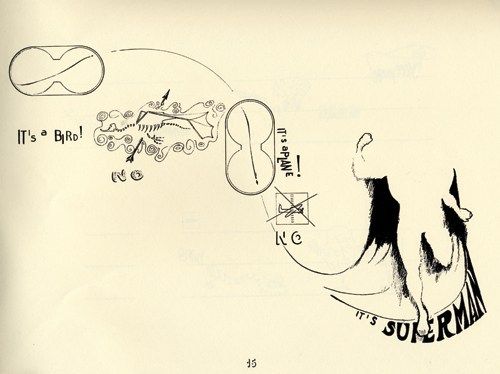
Hi all, I’m looking for composers to contribute graphic scores for a score exchange project. Participants will upload graphic scores and there will be an open invitation for musicians to respond with an audio recording of their own personal interpretation of the score. Submissions should be for open instrumentation only (for any number of instruments), and not for specific instrumentation. You are encouraged to consider shape, colour, size, placement, words etc. Responses may be wide ranging - from digital art, to abstract painting, and video score/animation. Graphic notation can give a voice to musicians who find traditional notation limiting yet have the desire to express themselves through composition. Submission is open to anyone who is interested, not just professional composers. This online space will present opportunities for musicians and amateurs to interact and collaborate virtually. A driving motive behind the project is to bring people together in the time of social isolation. If you feel you need some inspiration, this article is a great place to start: https://www.theguardian.com/music/gallery/2013/oct/04/graphic-music-scores-in-pictures Alternatively, some examples of text scores if this is more your thing: Yoko Ono’s Grapefruit, George Brecht’s Water Yam Pauline Oliveros’ ‘Sonic Meditations Here is a link to the Google Form: https://forms.gle/eVyAo1e6UP1XQqmcA Thanks! Eliza 😊