

Leaderboard
-
TDM
Members1Points16Posts

Popular Content
Showing content with the highest reputation on 11/13/2019 in all areas
-
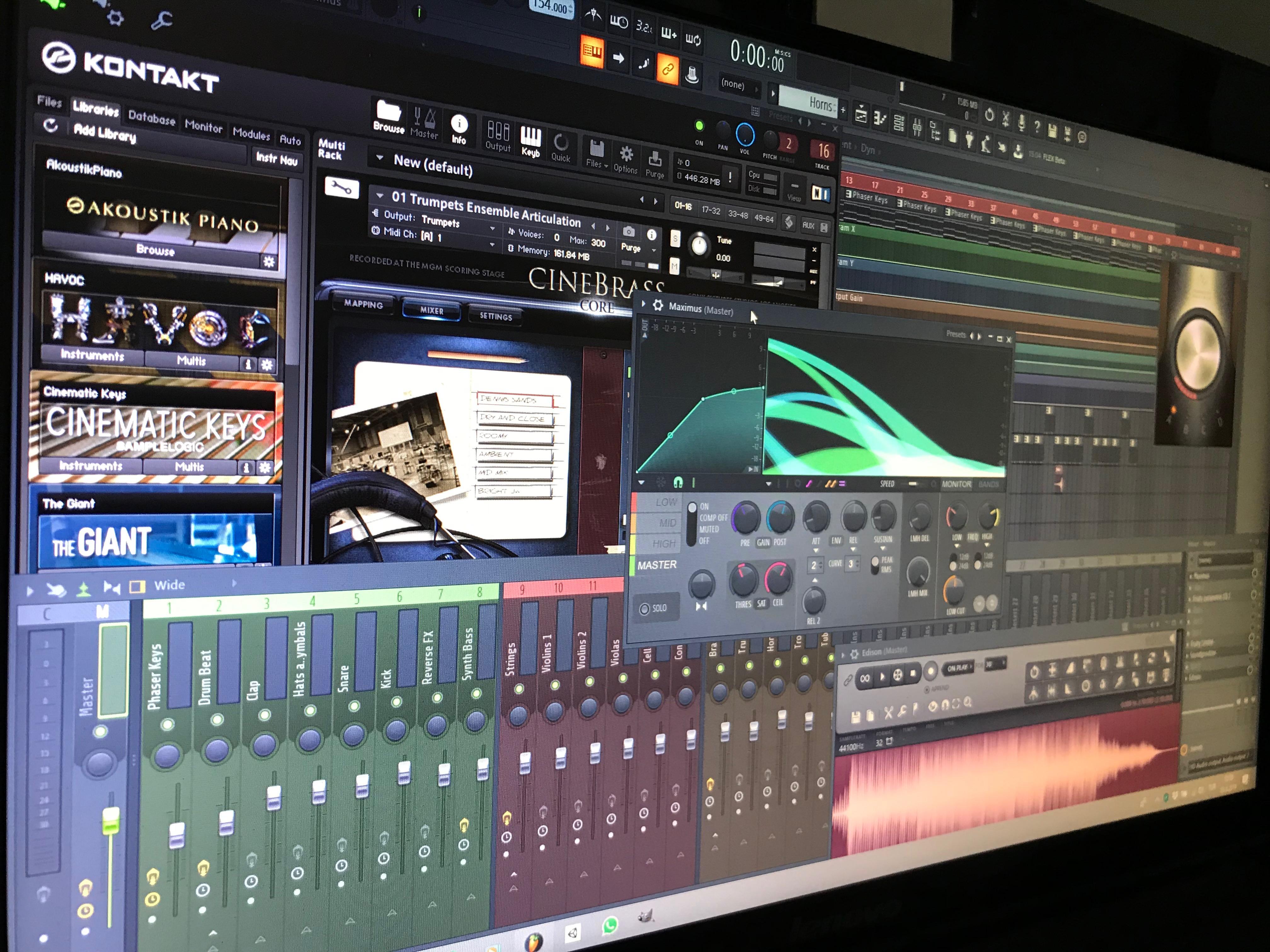
1 pointOh, okay then I'm glad @Tónskáld😀😀 @Eirik Gisnås yeah I think you are right about the brass in the calmer parts. I will have a look at it to see how I set the strength of the horns and trombones. As far as I remember the trumpets enter when it starts to get louder again. I will also see how it sounds if I take down the dynamic of the part right before the break so I can get the last louder part as a final highlight. Myself I believe that the calmer part after the highlight doesn't need volume or dynamic adjustment, I think what's more important is the dynamic of the parts before. So I will have a look at it. That project is a few years old after all so there will be a lot of things I do differently by now which need some rework. Thank you for those advices 😄 will try to get the song into a better shape 😀 Thank you for your kind words @SilverWolf 😊 And you will hear a lot of me soon. Got so much stuff that I wanted to post here. Some of the finished ones are already on my Soundcloud 😎1 point