Leaderboard
-
chopin
Administrator1Points2,760Posts -
Kvothe
Members1Points1,113Posts -

PeterthePapercomPoser
Admin1Points2,961Posts -
Henry Ng Tsz Kiu
Moderators1Points3,143Posts


.thumb.png.8b5b433a341551e913a34392660bc95b.png)

Popular Content
Showing content with the highest reputation on 11/18/2025 in all areas
-
1 point
-
1 point@PeterthePapercomPoser Thank you! I am planning to create website. Hopefully professional one: one linked to soundcloud and youtube. But that takes time.1 point
-
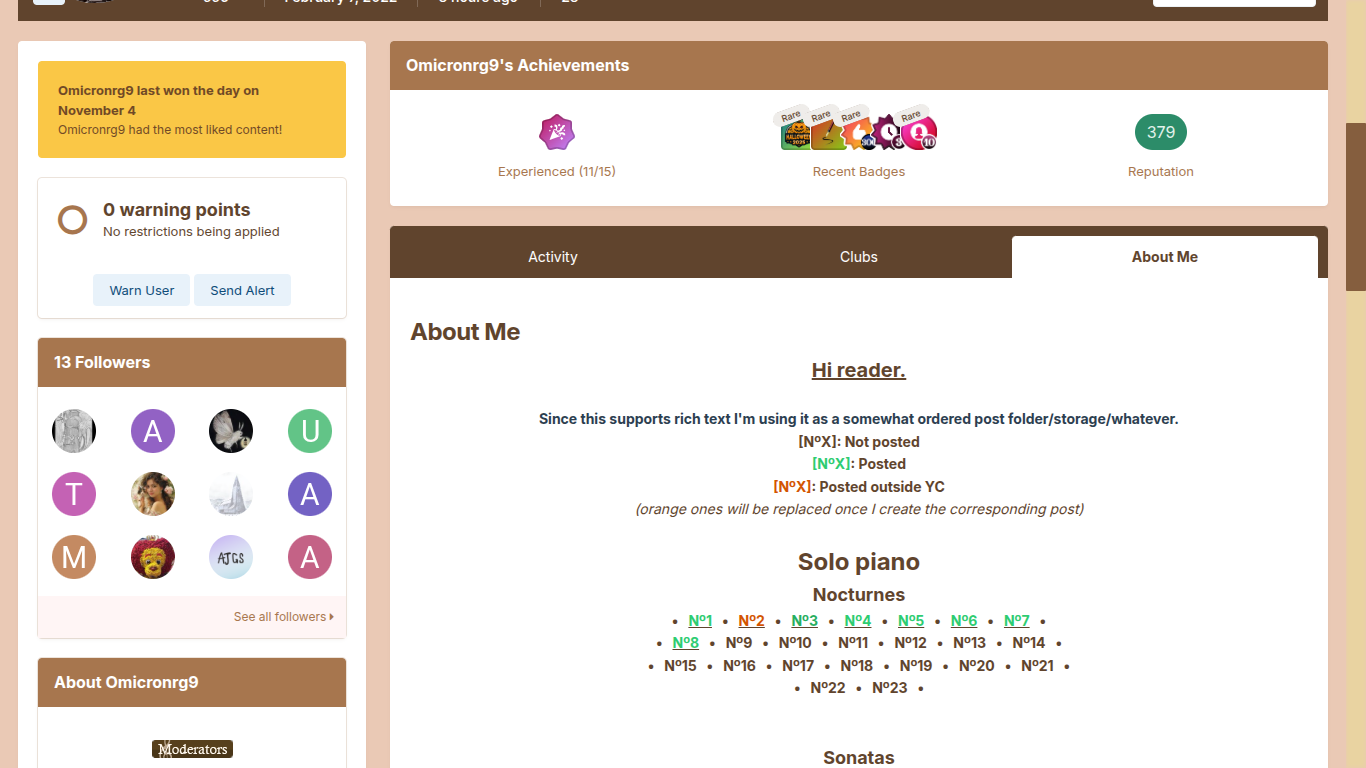
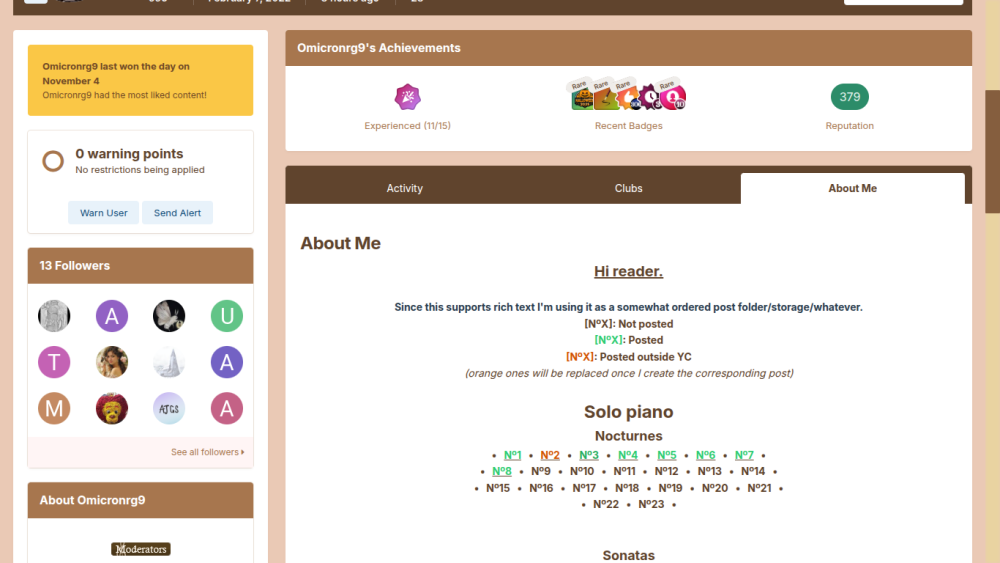
1 pointOmicronrg9 started the fashion of making a portfolio page in the "About Me" section of his profile: Now Henry, me, and many other composers on YC use this section to display a press kit/portfolio of compositions in their profile.
 1 point
 -
So far this is one of my favorites that you have done. The trio work well together, and this is certainly one of the most unique castings you've composed. I can see this being converted to just a piano, if you ever wanted to create an Etude out of this. It would be fun to play and listen to, and potentially falls into that Etude category. And like always, your recordings are getting really, really good.1 point