Leaderboard
-
Jackleaf
Members2Points48Posts -
Noah Brode
Members2Points367Posts -
Markus Boyd
Members1Points385Posts -
Luis Hernández
Members1Points3,401Posts




Popular Content
Showing content with the highest reputation on 07/03/2020 in all areas
-
Hello! This was my shot at creating a few variations on the theme that @Ivan1791 posted in the 'Challenges' section of the site yesterday. One thing to note was that the flatted sixth scale degree in measure 5 (Ab in the original key of C Major) was important to the original composer. I did my best to keep it around in most variations, although the harmony differs from the original intent in some cases. In minor key variations, I changed this to a sharped sixth scale degree in order to maintain the 'borrowed tone' aspect. Let me know what you think overall! Thanks for listening. EDIT: Brief explanations / explications of the genesis of each variation can be found in the musical score.1 point
-
1 point
-
Thank you for participating. 🙂 Some of the variations are pretty cool, my favourite one is probably the second one. Is it okay if I show it on my channel?
 1 point
 -
This is pleasant. I like some of your material for the flute. However I think the interaction with the guitar could be improvided.1 point
-
1 point
-
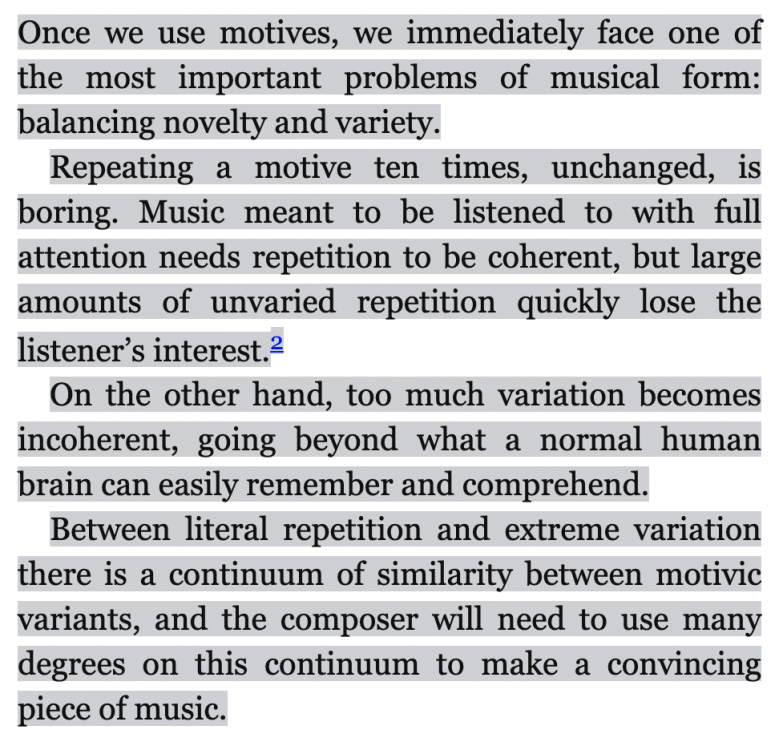
@Tónskáld @caters Quoting Mr. Alan Belkin:
 1 point
 -
1 point